
Start with the Dashboard
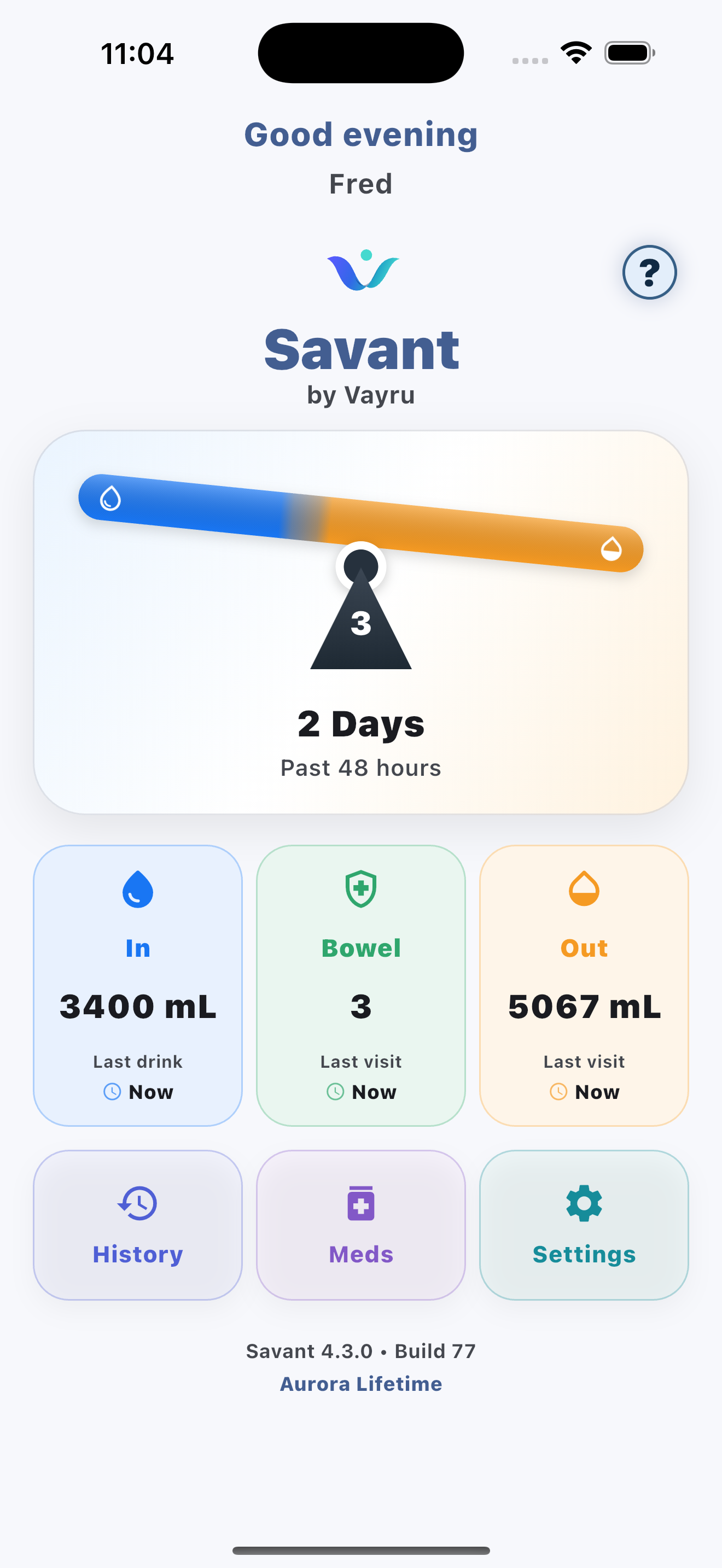
The Dashboard brings your latest totals and shortcuts together. Tap Fluid In, Bowel or Fluid Out to begin recording.
1
Choose what to track
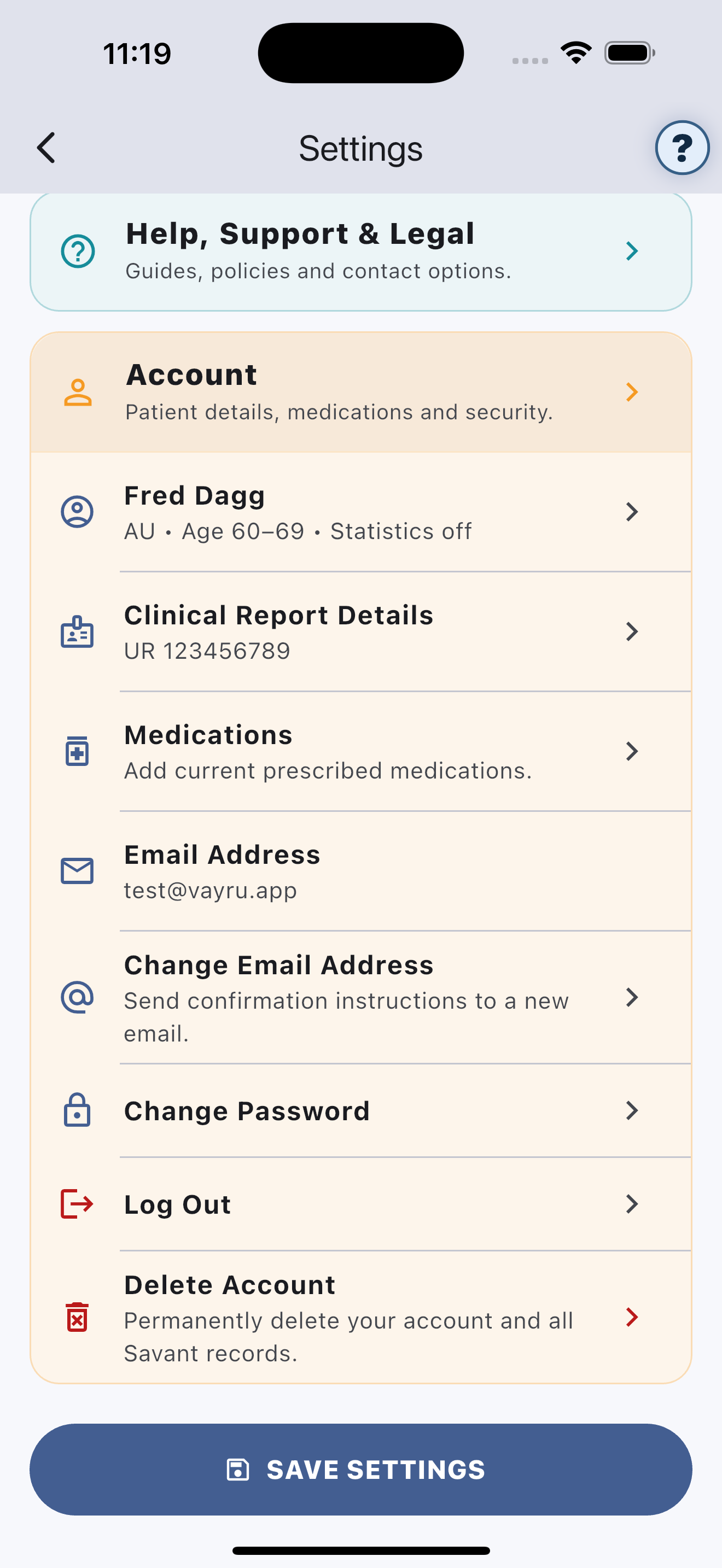
Open Settings → Health Tracking and select urine, bowel or both.
2
Set your day and night times
These help Vayru group records in a way that matches your routine.
3
Record your first drink
Open Fluid In, swipe to a common drink and tap Add Drink.
4
Use the question mark
Tap ? on a major screen for tips and an explanation of why the information may be useful.